Terminal
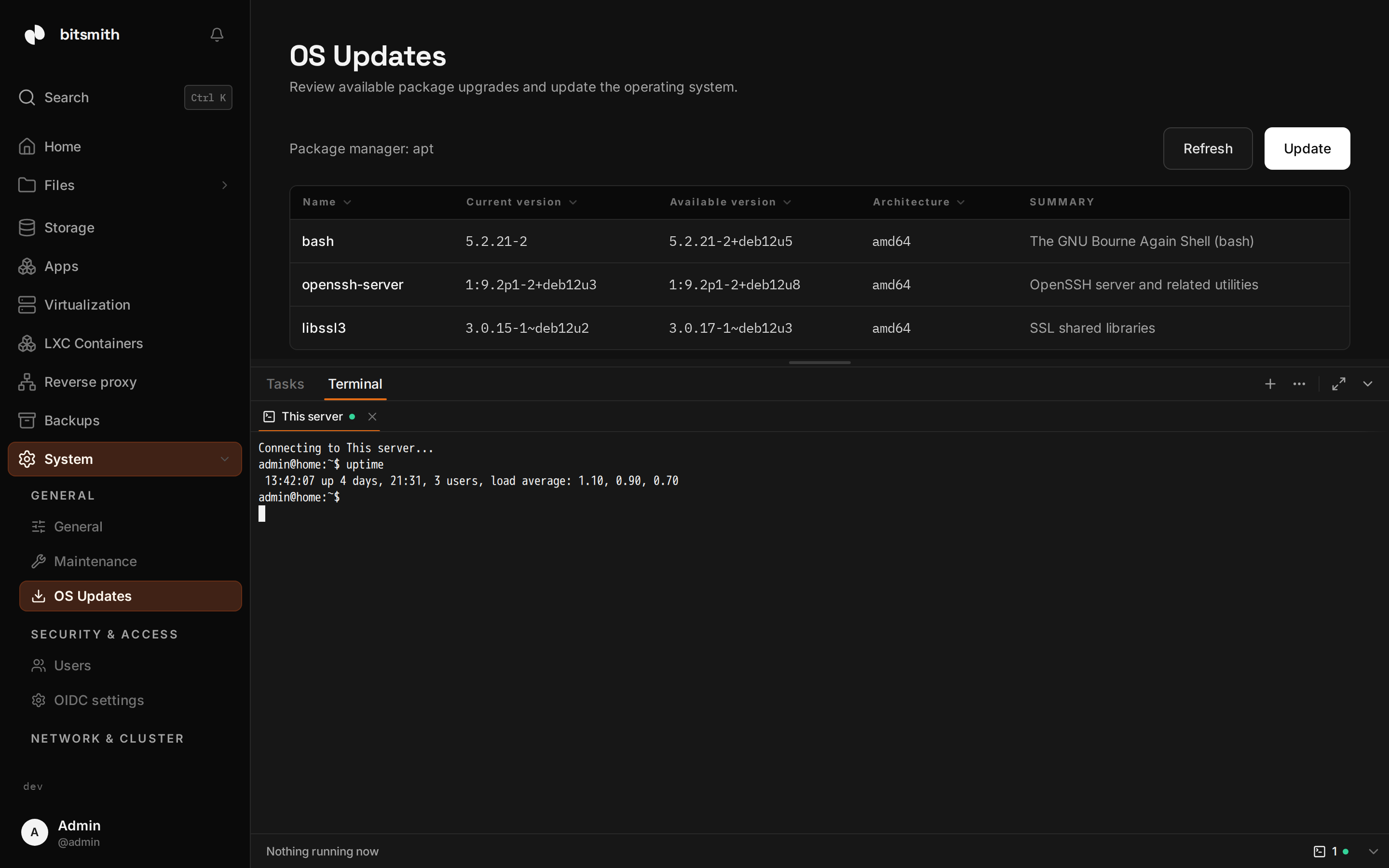
The bottom dock (the bar along the bottom of every page, toggled with Ctrl/Cmd + J) has a Terminal tab where Bitsmith’s interactive shells live. Its + menu lists everything a terminal can be started on: the host of this server, the host shells of any connected peer, the serial console of every running virtual machine and the shell of every running container.
Pick a target and the terminal opens in the dock. Open terminals keep their shell while they move: they can stay docked, pop out into a floating window, or sit embedded in a guest’s own page. Closing the last terminal on a target ends its session.
Host shells
Section titled “Host shells”The host shell runs as the user the Bitsmith service runs as, which on a standard install is root, so treat it like any other root shell you can reach over the network: read carefully before you run. A peer shell only opens while that peer’s relay is up.
Opening and closing a session is recorded in the activity log, including sessions opened on behalf of a peer.
The connection states
Section titled “The connection states”Each terminal’s tab carries a status dot: pulsing while Connecting, green while Connected, red when Disconnected. A dropped terminal offers a reconnect entry in its overflow menu, and a failed connect shows why, for example Terminal connection failed. The target may not be running.
From other pages
Section titled “From other pages”Some actions hand off here instead of running by themselves. The OS updates page opens the host terminal in the dock with the upgrade command typed at the prompt and waiting for you to review it. You press Enter when you are ready; the command is never run on its own.