Support
Support, under System, Diagnostics, gathers everything the Bitsmith team needs to look into a problem with your server in one file, without you having to ask for logs one at a time.
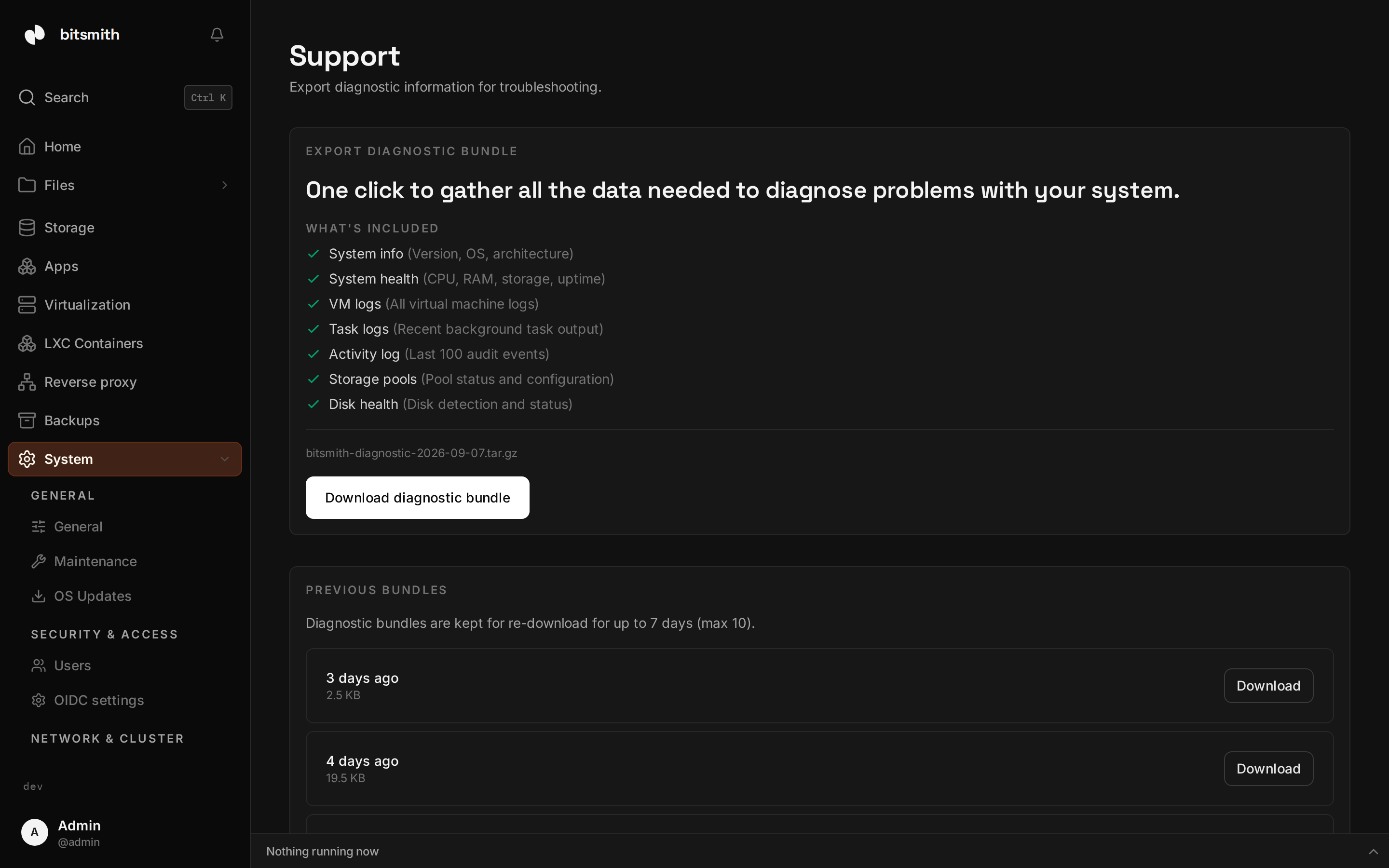
Export the diagnostic bundle
Section titled “Export the diagnostic bundle”The page lists what the bundle includes:
- System info, the version, operating system, and architecture.
- System health, CPU, RAM, storage, and uptime.
- VM logs, the logs of every virtual machine on the server.
- Task logs, the recent output of background tasks.
- Activity log, the last 30 days of activity, up to 1,000 events. It says what happened and who did it, but leaves out the network address and browser each event was recorded from.
- Storage pools, their status and configuration.
- Disk health, how the disks are being detected and what state they are in.
Choosing Download diagnostic bundle collects that material on the server
and downloads it to your machine as a bitsmith-diagnostic-<date>.tar.gz
file. If a collection step fails, the page says so and offers to try again.
If the activity log can only be read in part, the export keeps what it read,
says so in the export’s log and names the error in the bundle.
Previous bundles
Section titled “Previous bundles”Bundles are kept on the server for re-download for up to seven days, up to ten of them. The Previous bundles section lists each one with when it was made and its size, and you can download a bundle again instead of exporting a new one.
Send it to support
Section titled “Send it to support”When you need help, export the bundle and email it to
support@bitsmith.app with a description of what is going wrong. Include the
file in the email so the team can investigate without asking you for more.
For the self-serve case
Section titled “For the self-serve case”You do not need a bundle to read the common ones. Per-VM logs live on each virtual machine’s detail page, where VM logs shows recent libvirt and QEMU output for that machine. Task output lives on the tasks page, where you can open a completed task and read what it logged, and the activity log on the same page covers who did what and whether it succeeded.