OS Updates
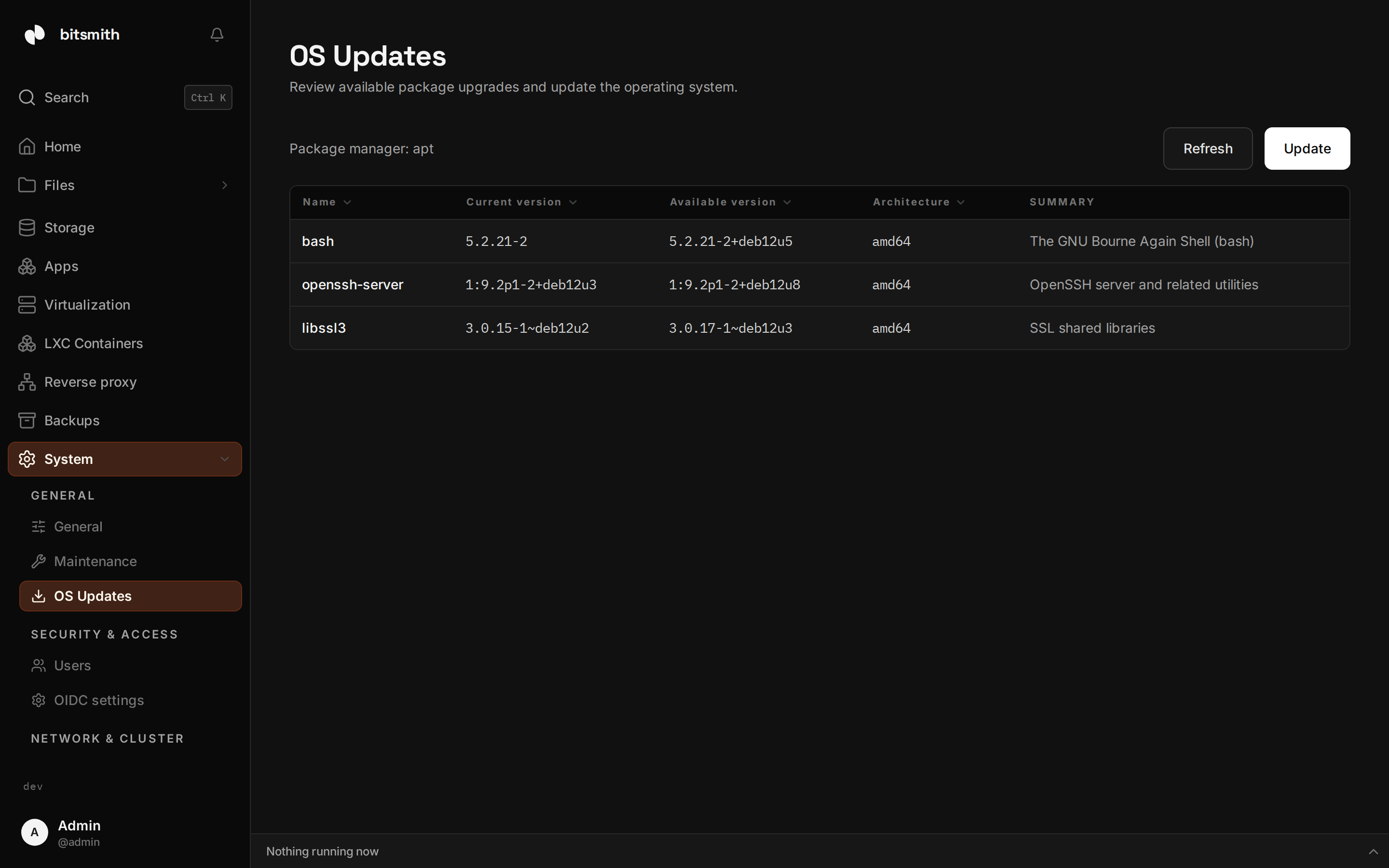
OS Updates, under System, Diagnostics, shows the package upgrades the server’s operating system has available. It is a different page from Updates: that one moves Bitsmith itself to a new version, while this one upgrades the packages underneath it.
Review the upgrades
Section titled “Review the upgrades”The page names the package manager it found, apt or dnf depending on the host, and lists every package with a newer version available:
- Name of the package.
- Current version installed on the host.
- Available version the package list offers.
- Architecture of the candidate.
- Summary, the one-line description of what the package is.
When nothing is available, the page says the system is up to date. Refresh re-asks the package manager for the current list.
Apply the upgrades
Section titled “Apply the upgrades”Nothing here applies an update by itself. The Update button opens the
host terminal in the bottom dock with the upgrade
command already typed at the prompt, sudo apt-get upgrade -y on an apt host
and sudo dnf upgrade -y on a dnf host. The command is visible and waiting.
You review it, and you press Enter when you are ready to run it.
Because the upgrade runs in an interactive shell, you see its output as it happens and can stop or answer it. There is no automatic rollback or verification in this page: if an upgrade misbehaves, the same terminal is where you address it.