Templates & storage
Beyond creating and controlling containers, Bitsmith manages the templates they’re built from and where they live on your storage.
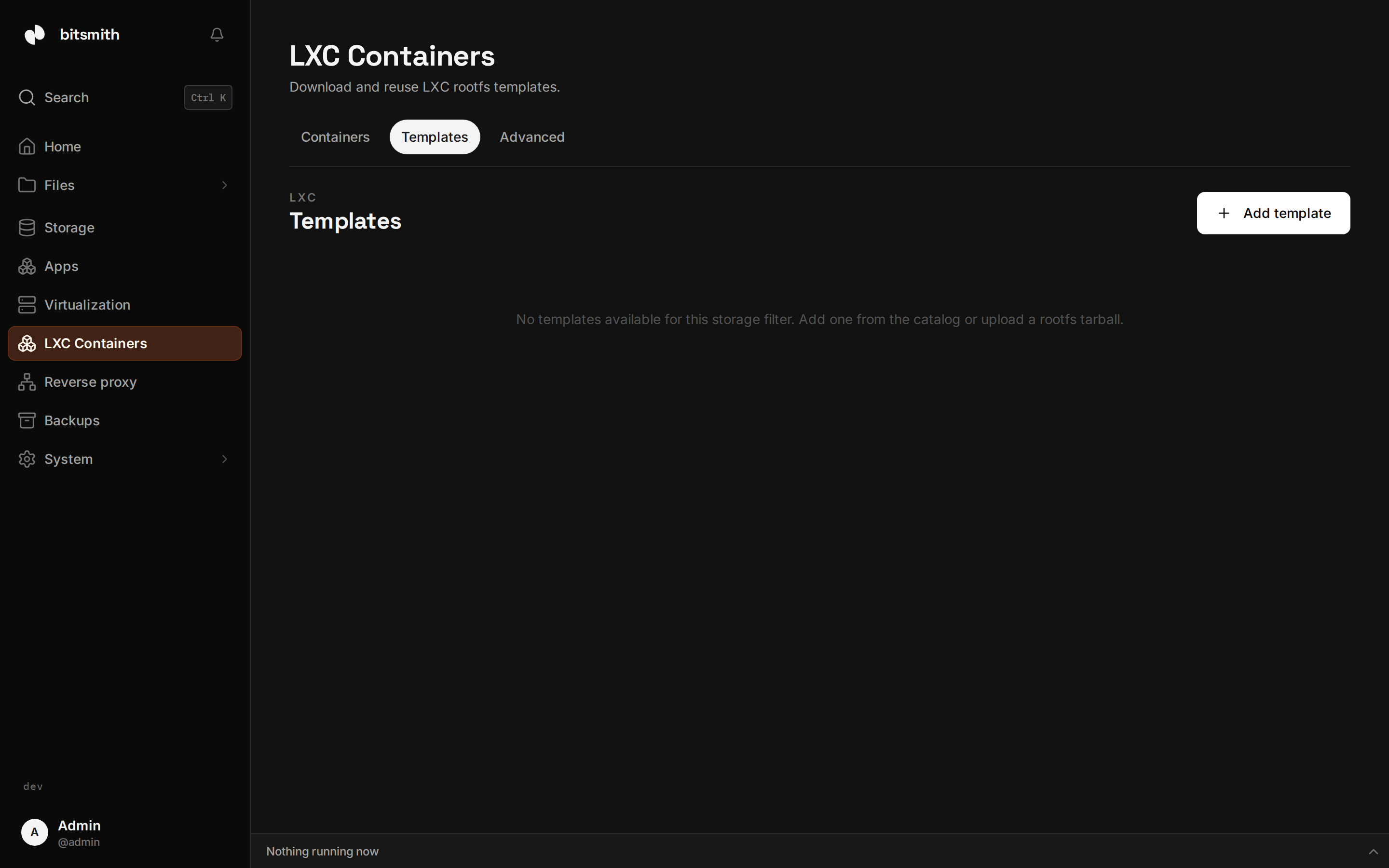
Templates
Section titled “Templates”Containers are created from templates: a base root filesystem for a Linux distribution. Browse the catalog on the LXC Templates page and download what you need, or Add template to upload your own rootfs archive (usually named rootfs.tar.xz). Stored templates are reused for every container built from them, so the second container from a template is quick to create.
Delete a template when you no longer need it, or move it to a different storage space to free up room.
Where containers live
Section titled “Where containers live”Each container is created on a storage space of your choice. If you need to free up a pool or rebalance, move a stopped container to a different storage space: its data comes with it.
Disk limits
Section titled “Disk limits”Give a container a disk limit to cap how much space it can use. This keeps a single container from filling a shared pool, which matters most when several containers, apps, and VMs share the same storage. ZFS storage enforces the limit; containers on the system drive are not size-limited. You can set or adjust the limit after creation.
Host readiness
Section titled “Host readiness”As with virtual machines, the LXC section reports whether your host is set up to run containers. If something’s missing, the status explains what it affects and how to resolve it.