What is Bitsmith
Bitsmith turns a computer you own into a home server: storage, apps, and virtual machines in one app. Keep your files on it, stream your media, run apps like Jellyfin or Nextcloud, spin up virtual machines and Linux containers, and back everything up, all on hardware you control, including ARM devices like a Raspberry Pi.
It runs on plain Ubuntu (22.04+, amd64 or arm64), installs with a single command, and is driven from a web interface. You don’t need to learn ZFS, Docker, or Samba to use it. Bitsmith handles the moving parts and shows you the result.
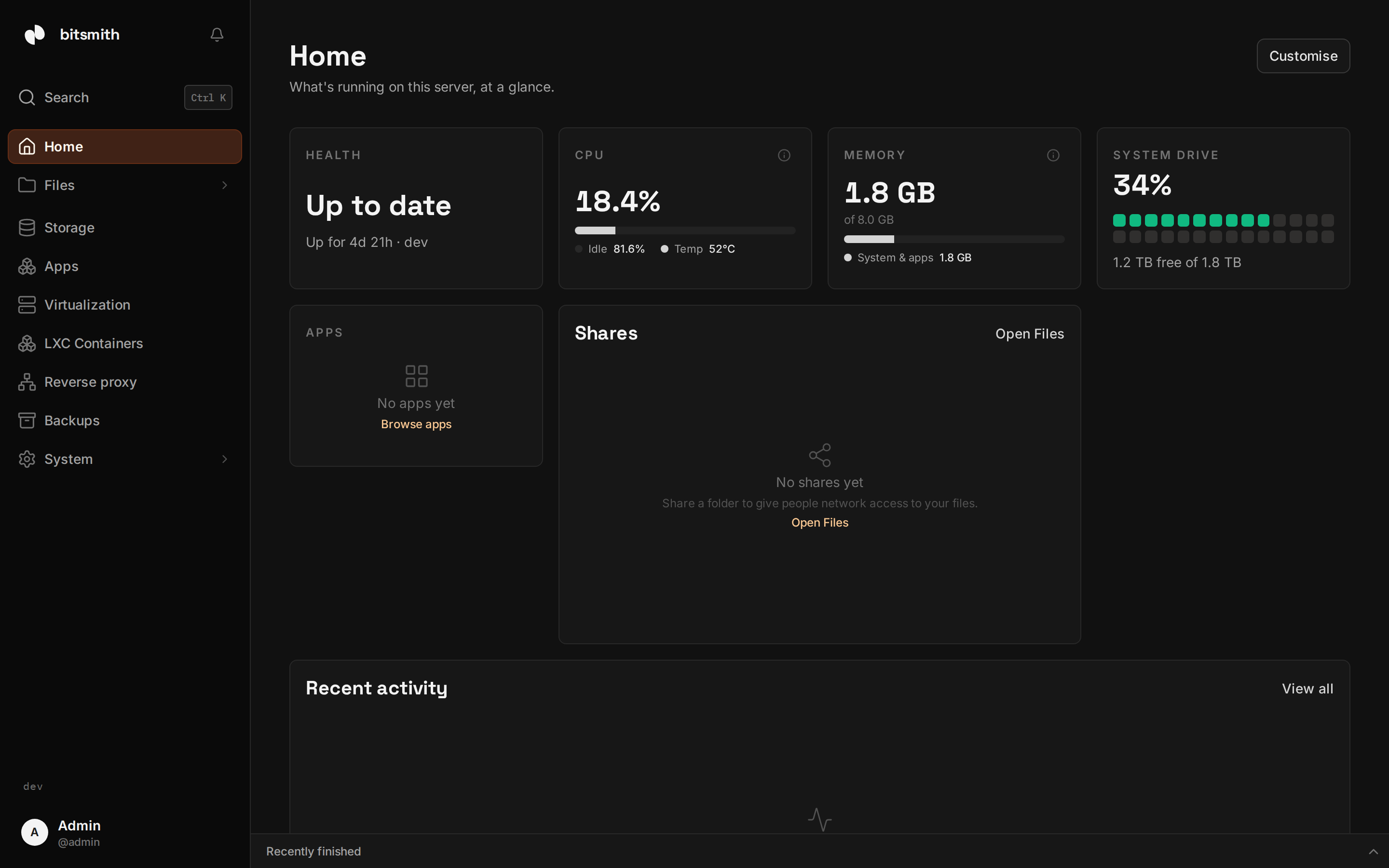
What you can do with it
Storage comes first. Bitsmith pools your drives into a storage space that survives a drive failure, with health checks handled for you, and shares it through network shares your laptops, phones, and TVs can open, with per-user access.
On top of that storage it installs self-hosted apps from a built-in library with no compose files to hand-write, creates and runs VMs for anything that needs its own operating system on x86 or ARM hardware, and creates LXC containers as a faster, lower-overhead alternative to a full VM. Every one of those, and every folder, can be backed up on a schedule and restored later. The reverse proxy puts apps, VMs, and containers behind one HTTPS address with certificates handled for you, and the terminal gives you the host’s command line in your browser.
It also works beyond a single box. Peers links two or more Bitsmith servers into one cluster: one guest list, one reverse proxy, and a terminal that reaches every member. And Bitsmith is built to be driven by AI agents: the MCP endpoint lets an assistant provision storage, manage apps, and run VMs for you. Grant it the sandbox scopes and it owns its own throwaway VMs instead.
New to home servers?
If terms like “storage space”, “share”, or “container” are new, start with New to home servers?. It explains the idea in plain language before you install anything.
Ready to set it up? Go to Install Bitsmith.